Smart Code. Bold Design. Websites That Stay in Minds.

What is Website Developer?

A Website Developer is a skilled professional who is responsible for creating, developing, customizing, testing, and maintaining websites and web applications for individuals, businesses, brands, and organizations.
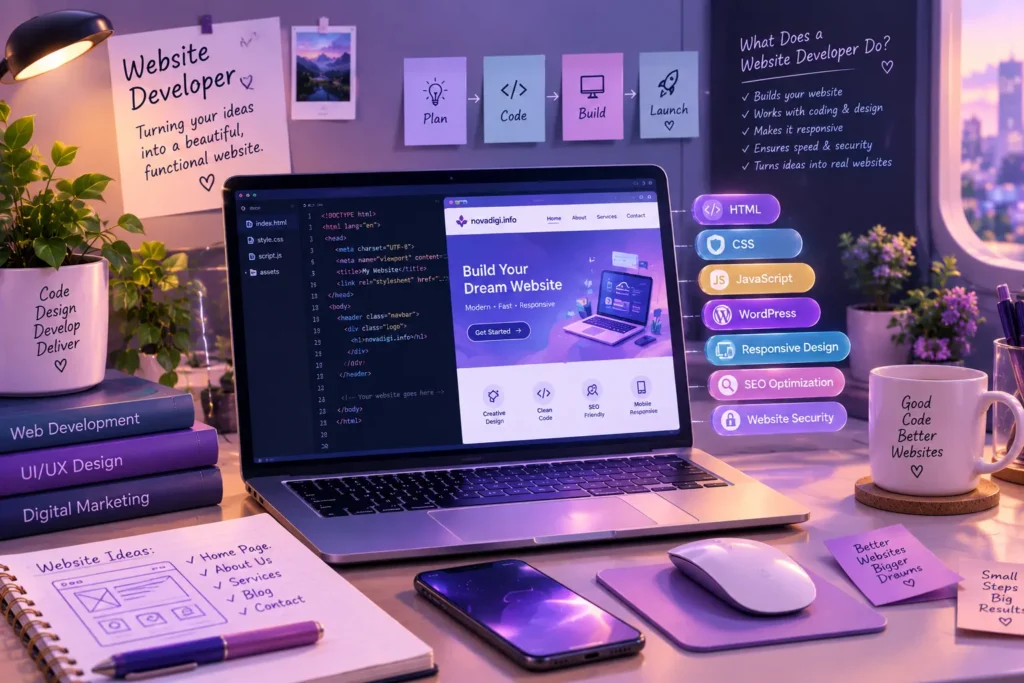
A web developer combines the need for technical skills and creativity to convert ideas, designs and business needs into functional digital experiences. A web developer uses a combination of different programming languages, frameworks, frameworks and other web development tools including HTML, CSS, JavaScript and other current web development technology to develops a beautiful, engaging, responsive, interactive, secure and easy to navigate website.
 
Web development is not simply creating a handful of web pages but rather, it involves the planning for the structure of a website, developers designing and building a website’s features, content planning, optimizing it for better function, testing the website performance and fixing bugs as well as maintaining the website every now and then to make sure that it continues to work well as the way it should.
The best professional website developer also concentrates on designing responsive websites that provide a smooth user experience across all device screen sizes, including desktop, tablet and smartphone. Users expect websites to loads quickly, display properly and respond swiftly whenever they click or search through the web pages.

Who is Website Developer?

A Website Developer is a professional who specializes in creating, developing, and maintaining websites and web-based applications.

Web developers use coding languages and latest web technologies to bring out the ideas, designs and business needs into working websites. He is responsible for working on every technical aspect of the website such as the performance, speed, responsiveness, structure, security, and navigation of the website to ensure that the website is visually appealing and user-friendly.
Different roles in Web Development Website Developers can choose to become front-end developers, back-end developers or full-stack developers in Web Development. Some developers go for the aesthetic and user interface which is called front end development. Others look at the server-side code, databases, website logic, server configuration and data management which is called back-end development. Web Development also includes working with both front-end technologies and back-end technologies which are called full-stack development.
 
Today, a website developer is crucial for businesses seeking to develop a solid digital presence. Whether you’re looking to design a basic business website, build an advanced e-commerce store, or develop a custom web app, developers will turn your ideas into a meaningful digital experience. Their blend of coding expertise, creativity, technical prowess, and problem-solving abilities enable businesses to develop professional, user-friendly, responsive websites that cater to their digital objectives.

Domain

What is Domain?

A domain is simply a name that's used to locate a website. It acts as the address for a business, brand, blog, portfolio, or online shop so visitors can find the site easily without having to remember a long string of numbers (an IP address).
 
Let's look at one example – www.novadigi.info: www. Novadigi.info is the domain name of the website. The domain of a website is mainly divided into two parts – Name of the domain (novadigi) and the extension of the domain (.com,.info,.org, and.in) Like Novadigi.in, domains are normally a memorable, unique name related to your personal or brand identity.

Domain Hosting

What is Domain Hosting?

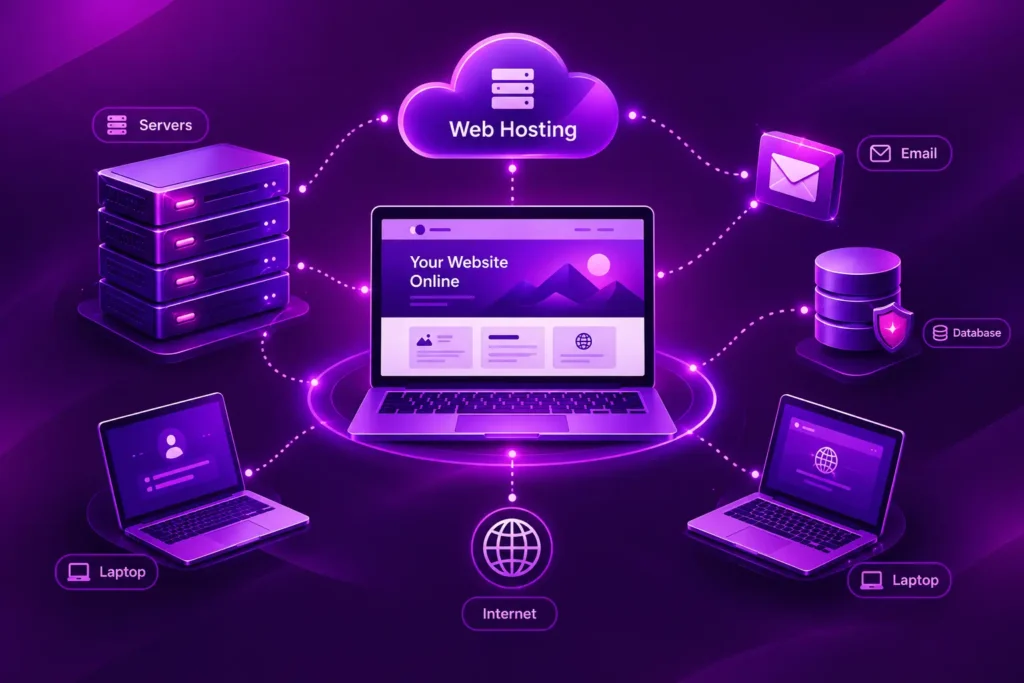
This is a section you'll see mentioned in conversation as "domain registration & web hosting." Web hosting is the service that makes your website accessible over the internet. Your domain name is the address you type into browsers to visit your website (ex.
 
Novadigi.info), and the space on a server where your website and all its related files, images, databases, and other data are stored.
 
When your website visitor types your domain into their web browser, the domain directs the user to the server hosting your website.
 
Let us give you a real-world example, your website: the domain name is like the address of the shop that you will be opening; hosting is the place where the actual shop and its stock are kept. Both are equally important.

Find the Right Hosting for Your Online Presence
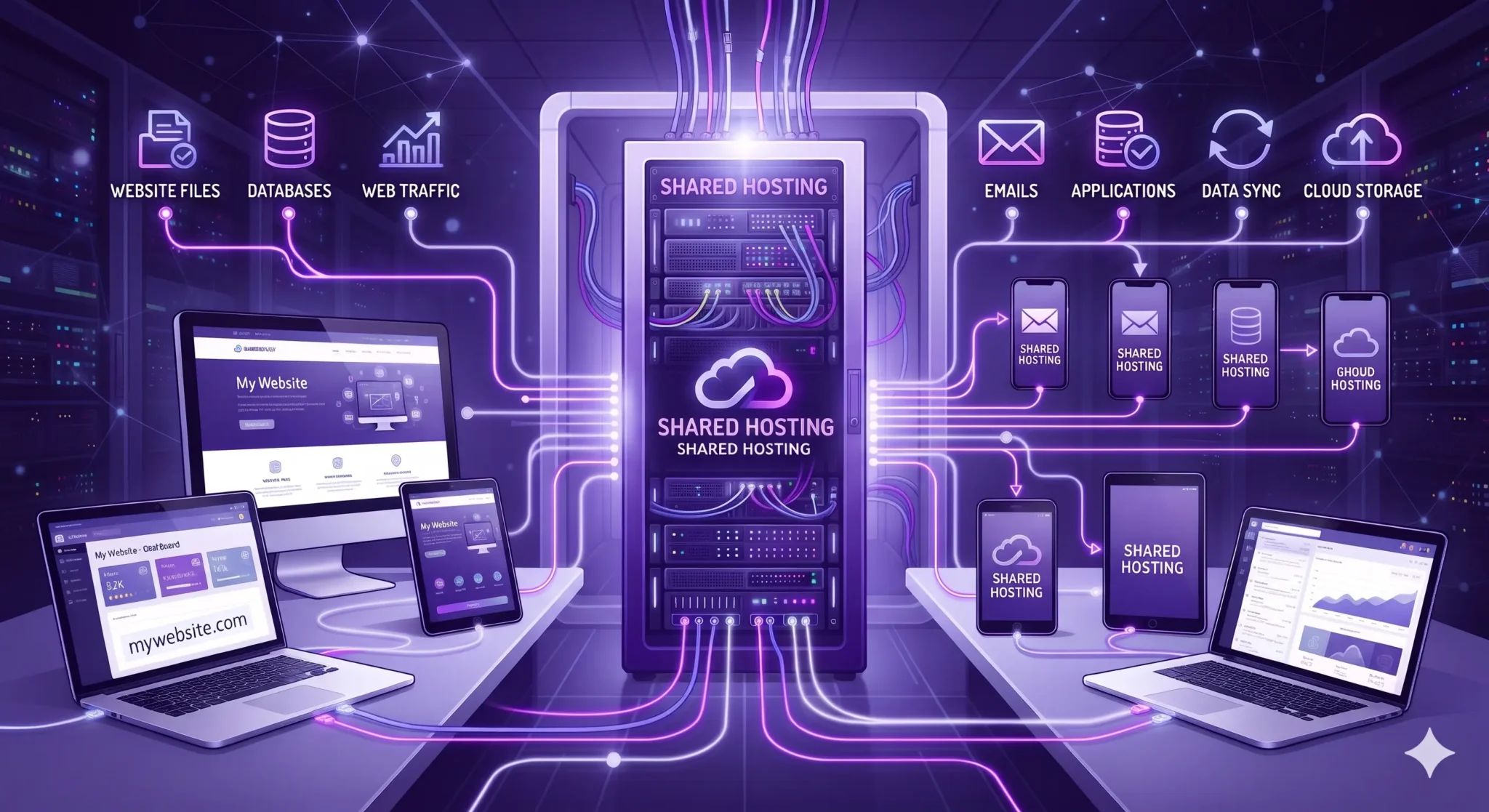
Shared Hosting

Shared Hosting A cost-effective hosting plan, where many websites share a common hosting server. Good for beginners, small websites, blogs, low volume businesses.

Web Hosting

Web Hosting is a internet hosting service that is responsible for storing your website’s data, files and images on a server and makes it available online. It makes your website accessible anywhere through its domain name.

Dedicated Hosting

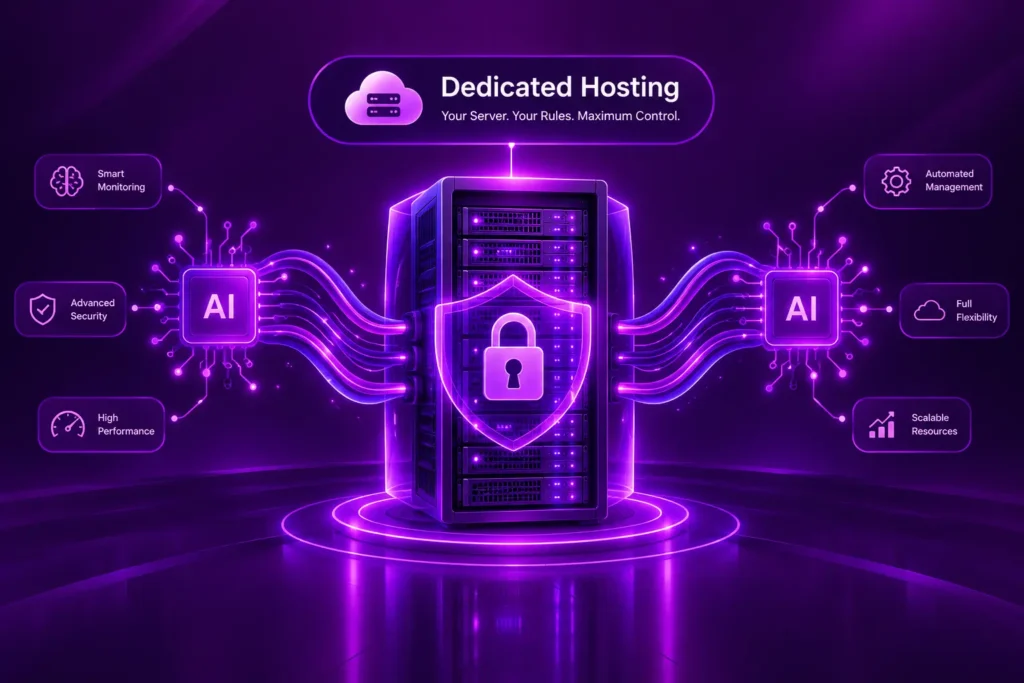
Dedicated Hosting With Dedicated Hosting, you will have a whole server just for your website. It offers you more control, improved performance, high security, and is ideal for large or high-traffic websites.

Cloud Hoting

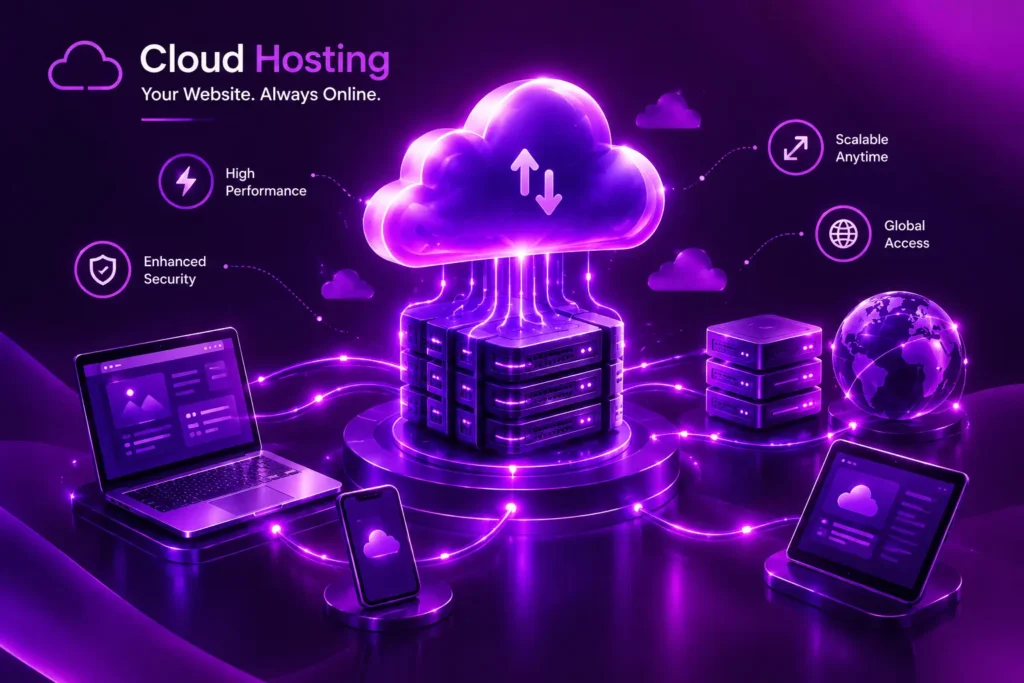
Cloud hosting is a method of hosting your website utilizing a network of multiple connected servers, unlike a single server. This type of hosting provides great scalability, dependability and flexibility, which makes it ideal for sites that have fluctuating or expanding traffic.
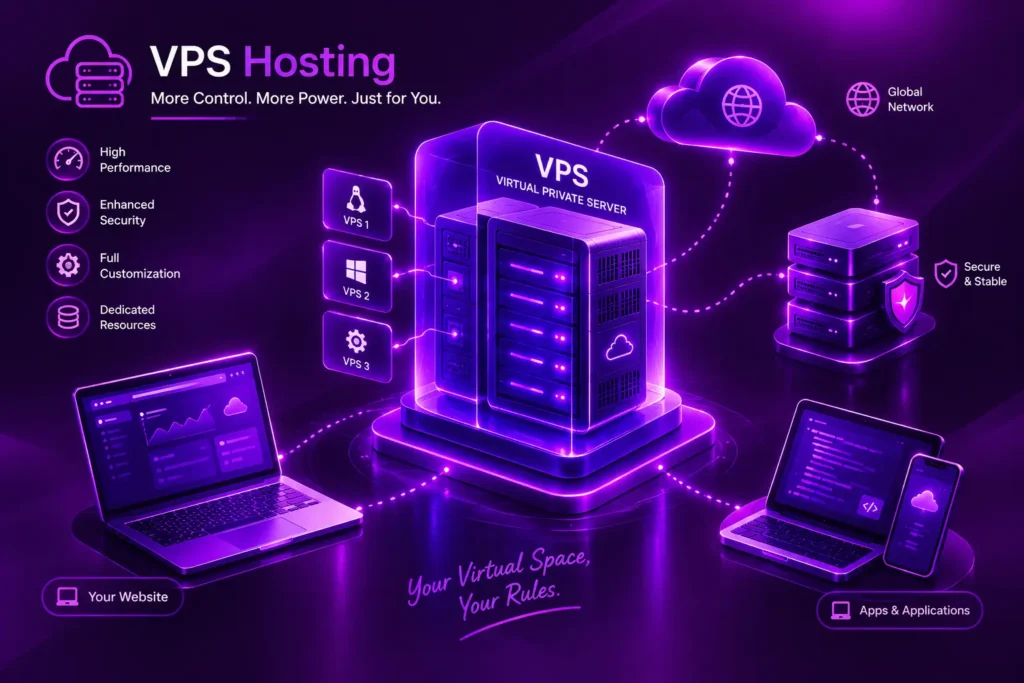
VPS Hosting

VPS Hosting provides your website with dedicated resources on a virtual private server. VPS Hosting provides a balance of better performance, control and security than shared hosting, and is ideal for growing websites and businesses.

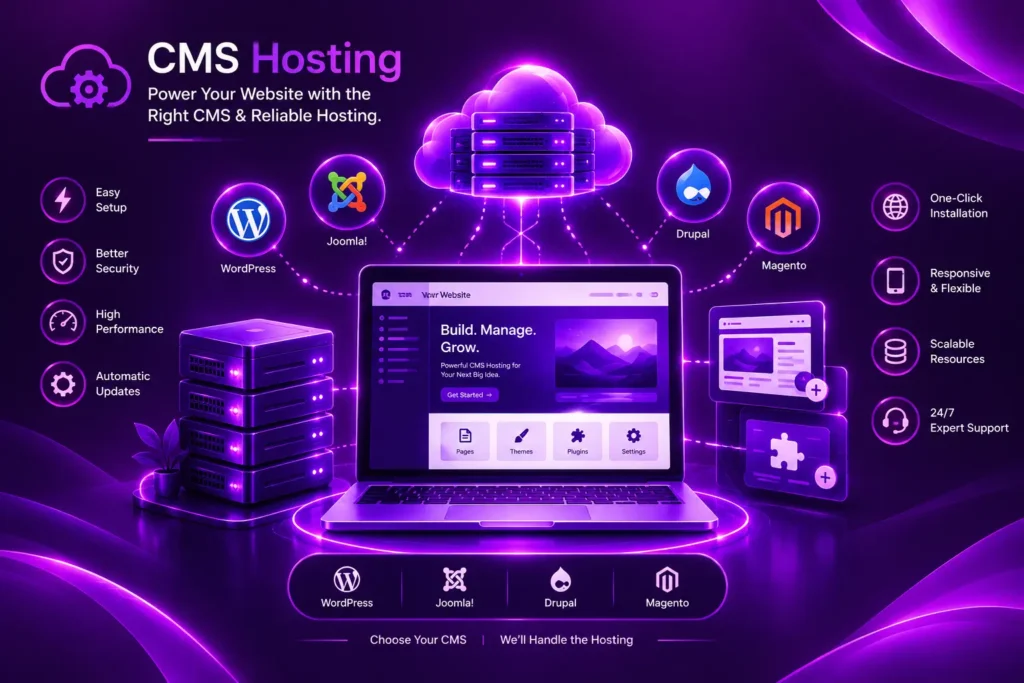
CMS Hosting

CMS Hosting Fast web hosting built for content management systems. Giving you a hosting platform that makes it simple to build, update, publish, and manage your website content.

WordPress Hosting

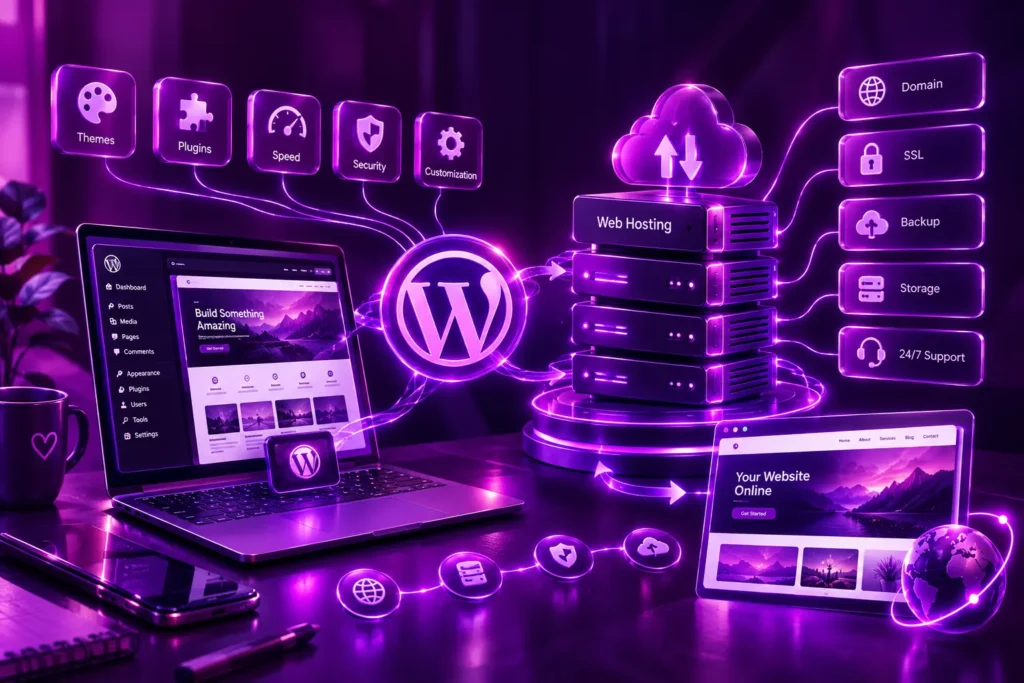
WordPress Hosting is optimized for WordPress websites. WP Hosting can provide a faster experience, improved security, automatic updates and WP management for bloggers and businesses.

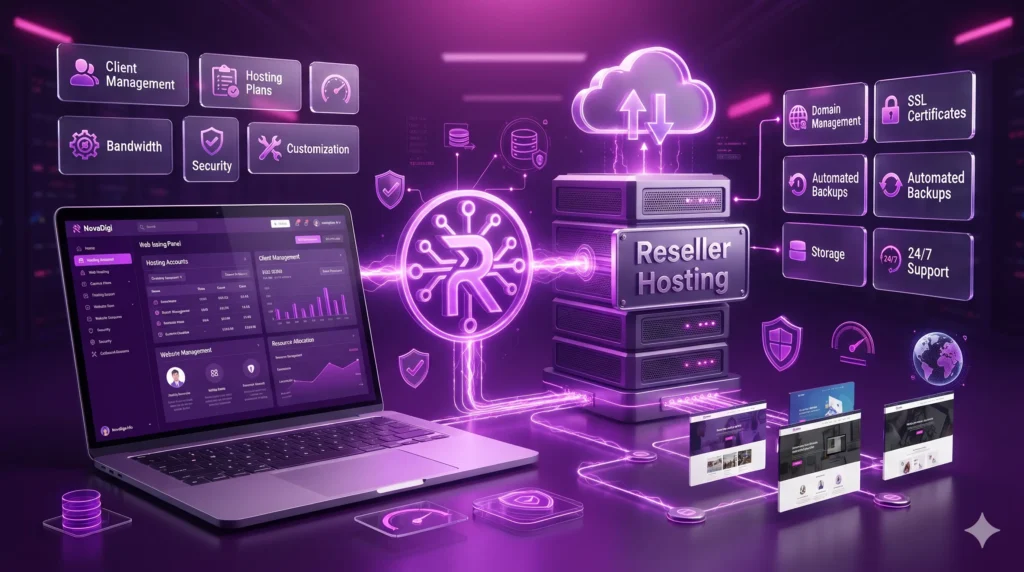
Reseller Hosting

Reseller Hosting Buy hosting resources and resell it to your own customers, under your own branding. Reseller Hosting is a great solution for web agencies, developers and business owners, to start their own hosting business.

Understanding the Subdomain
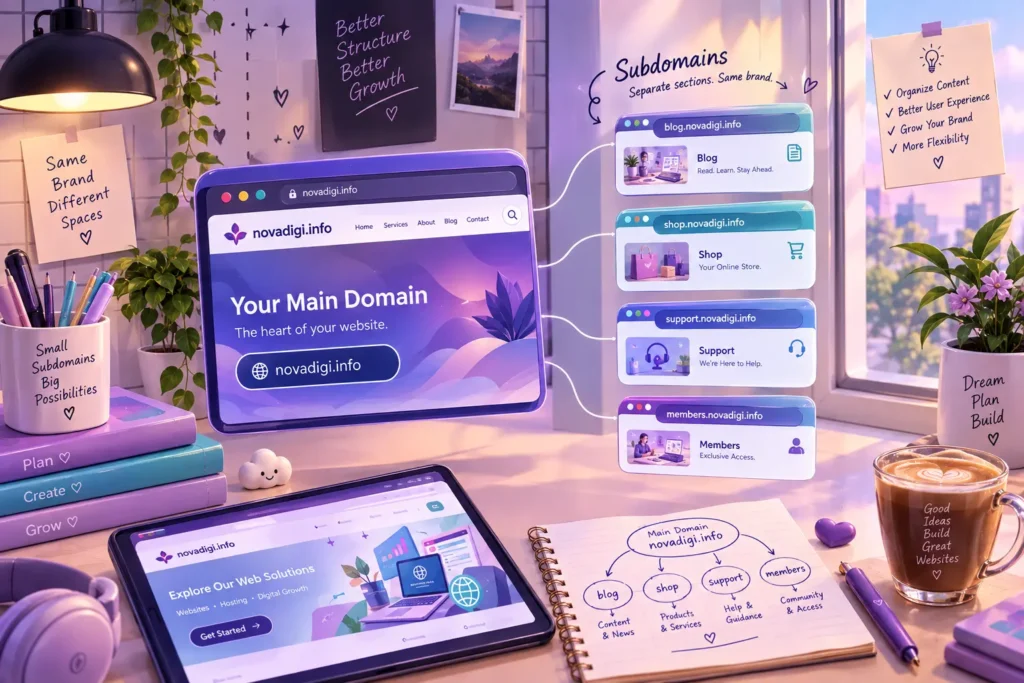
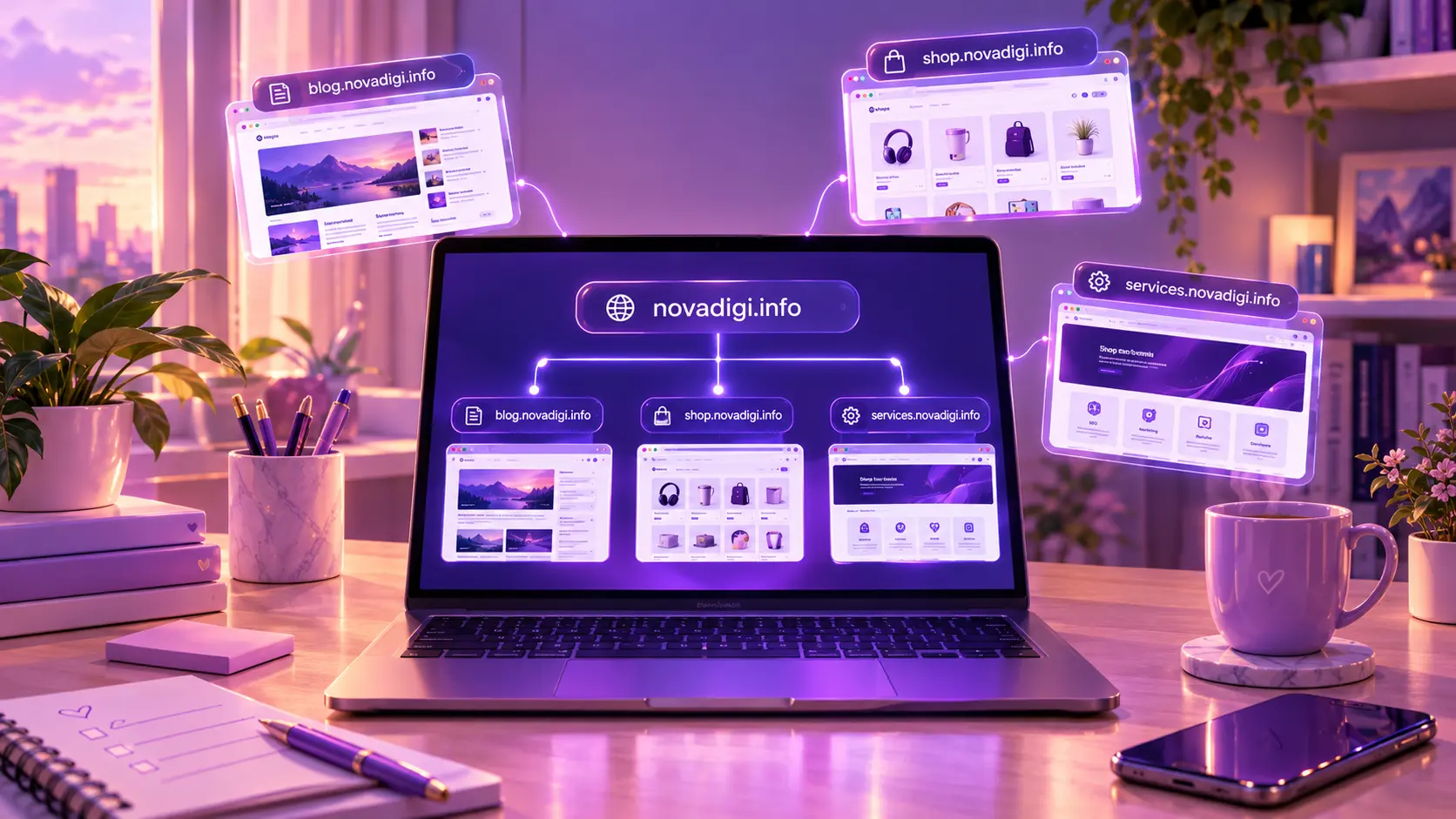
A subdomain is just another portion or section of your domain name. When you create a subdomain, you are creating a new section or area for your website, but you don’t need to purchase a whole new domain name for this. For example, if your main domain name is novadigi.info, you could add a subdomain like blog.novadigi.info, shop.novadigi.info, or support.novadigi.info.
When you create a new subdomain on your website, it can be used in various ways and for many reasons.
 
In many cases, it’s more convenient and manageable to keep certain areas of your website separate but still connected to your main domain and your overall brand. For example, people who build a lot of websites for other businesses and individuals will often use subdomains to create separate blogs, support sites or portals, member sites, e-commerce sections, test sites, or location-specific sites. Users will often find it easier to run and update separate sections of a website when they have their own spaces and structure. Having a subdomain set up on your website allows you to do this.
Every subdomain also gets its own folder or directory on your website, which means you can have different website designs, files, applications, and content on it.
 
In simple words, a subdomain has a purpose and content of its own, but it is still a part of your main website and domain. When used correctly, you can benefit from a greater level of organization and web presence.

Understanding the Domain Vs. Subdomain With Key Different
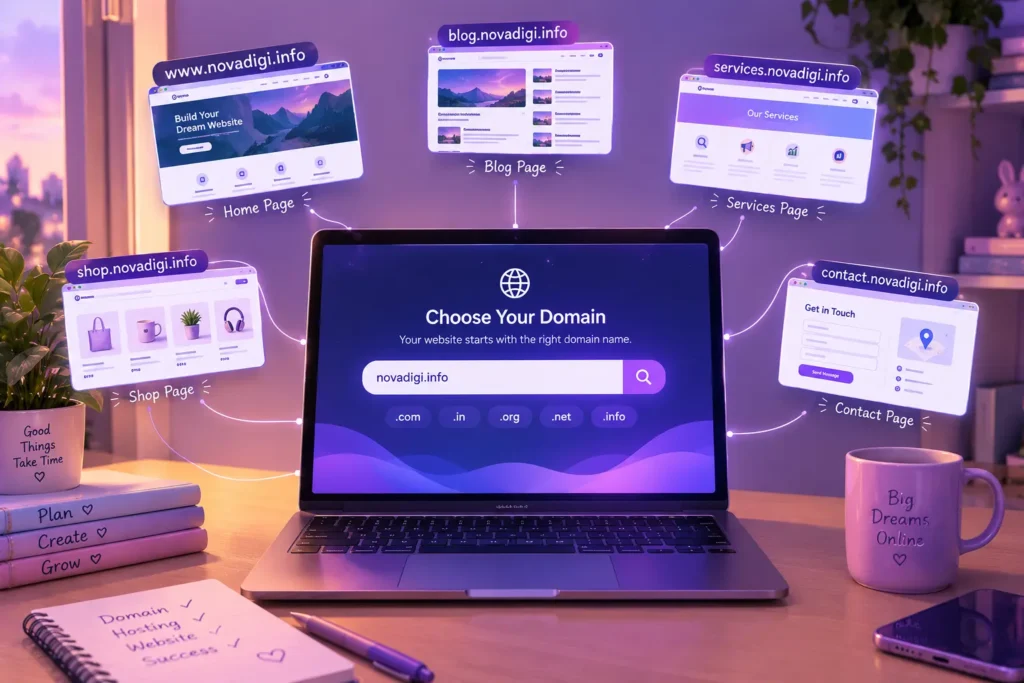
Domain

1]Unique web address: The domain is the actual web address to locate your website.
2]Your Digital Identity: Is your business, brand, blog, or how you would like to be identified in cyberspace.
3]Easy To Remember: Your website will be much easier for visitors to remember with a simple domain name.
4]Domain Extensions: You will find the domains with extensions –.com,.in,.org,.net, and.info.
5]Works with Web Hosting: A domain link visitors to your hosting server.
6]Enhances Credibility: A Business Web Domain lends credibility.
7]Branding: A special domain name can promote branding.
8]For Marketing: Your domain may be used in social media, advertisements, emails, and promotional campaigns.
9]Needs registration: A domain name needs to be registered in order to use it and needs regular renewing.
10]Domain: A domain is a vital element in building your internet presence.

Subdomain

1]Subdomain: Created under your main domain name, a subdomain is a secondary part.
2]Established Sections: It develops exclusive sections of a website.
3]Example: A subdomain for novadigi.info could be: blog.novadigi.info.
4]Streamlined Website Organization: Subdomains provide a clearer way to compartmentalize your website’s various services.
5]For blogs: You may have a blog.example.com for articles and additional material.
6]Online store (E-commerce): You may choose to have your store on a subdomain like shop.example.com.
7]For Testing Purposes: If developers want to use subdomains for testing, or for any other purpose that doesn’t require main web pages, then they can do that.
8]Unique Content: A subdomain may offer content, formats and functionalities that are completely separate from the website.
9]No New Main Domain Necessary: A subdomain can be created on your current domain instead of buying a second main domain.
10]Useful for Website Management: Subdomains assist companies in structuring their website in a systematic way and still remain attached to the primary domain name.

What is Website?

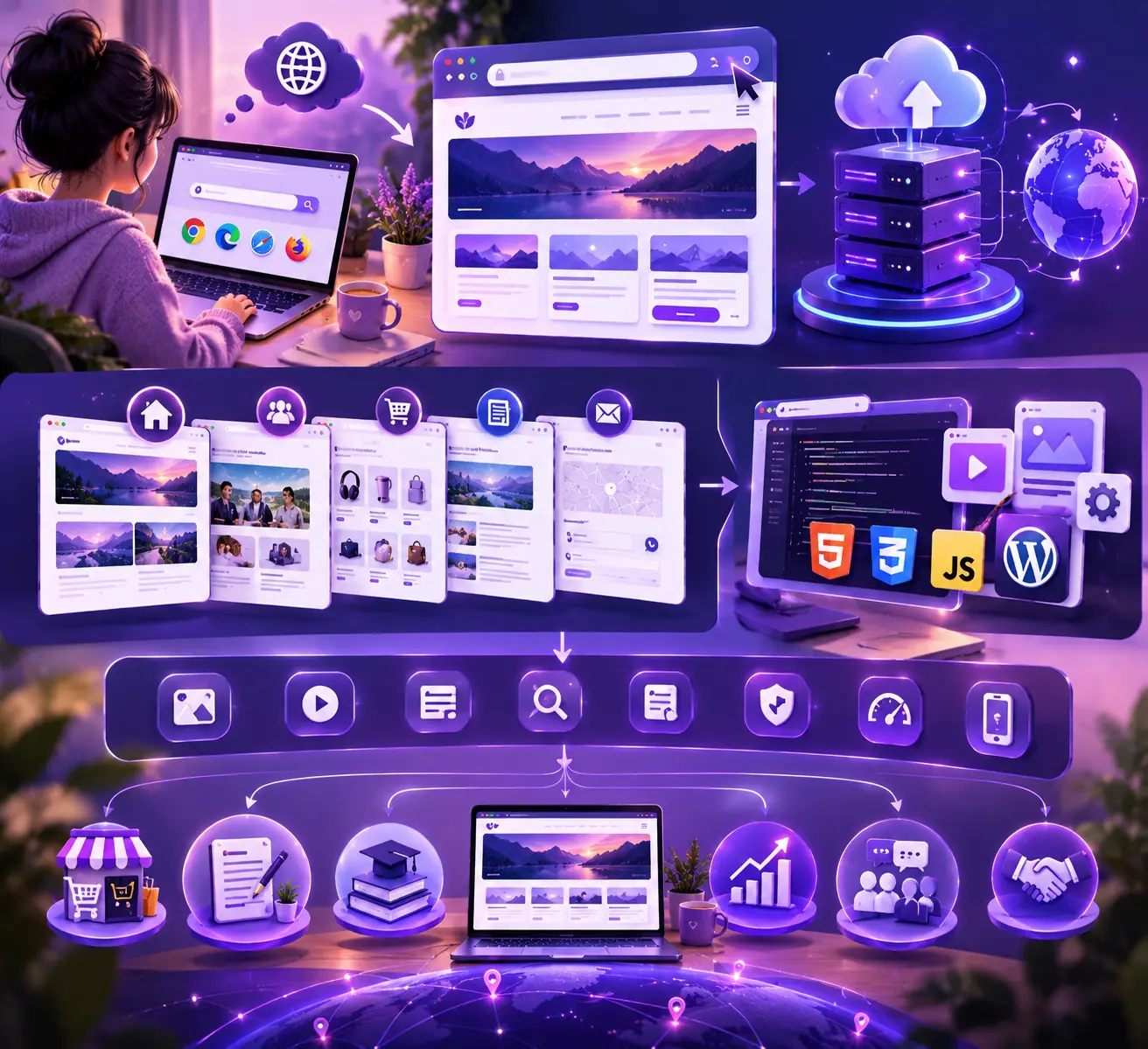
A website is a set of web pages that are linked together and can be reached on the internet using browsers like Google Chrome, Microsoft Edge, Safari or Firefox. The website acts as a space where people, companies organisations and brands can share information show their products and services talk to customers and build their online presence. Every website normally has a domain name, for example novadigi.info, which helps users find and visit the website easily. Websites can serve purposes depending on their goals, such as giving information selling products posting blogs offering online services teaching users, entertaining visitors or promoting a business. For example an e-commerce website lets customers look at products add items to a shopping cart and make payments while a blog website shares articles, guides, ideas and useful information on many topics. A business website can have pages such as Home, About Us, Services, Our Work, Blog and Contact Us to help visitors understand the brand and connect with the business. Websites are built using technologies such as HTML, CSS and JavaScript while content management systems like WordPress make it easier to create and manage website content. The website may also include images, videos, forms, buttons, animations, search features and other interactive elements to improve the user experience. To make a website accessible online a domain name and web hosting are normally needed, along with design, useful content, security and regular maintenance. In today’s world having a website is important because it helps businesses reach a wider audience build credibility improve visibility on search engines generate leads and talk to customers far away. A designed website should be easy to navigate, mobile-friendly fast-loading, secure, visually appealing and focused on the needs of visitors. In words a website is more, than just a collection of web pages; it is a powerful digital platform that helps people find information connect with brands explore opportunities and finish tasks online.

Types of Website

Static Website

A static website displays fixed content that remains the same for every visitor unless the website owner manually updates the HTML, CSS, or other website files; it is ideal for portfolios, simple business websites, and informational pages.

Responsive Website

A responsive website automatically adjusts its layout, images, and content to fit different screen sizes, including desktops, laptops, tablets, and smartphones, providing a smooth and user-friendly browsing experience on every device.

Dynamic Website

A dynamic website displays interactive content that can change according to user actions, database information, or preferences; it is commonly used for e-commerce stores, social media platforms, dashboards, and online booking systems.

Single Page Website

A single-page website presents its main information on one webpage, allowing visitors to explore sections such as About, Services, Portfolio, and Contact by scrolling or using navigation links; it is useful for landing pages, personal portfolios, and promotional campaigns.

Explore Website Types

Protfolio Website

Showcases skills, projects, and achievements to attract potential clients.

Blog Website

Shares articles, ideas, and informative content with readers.

E-commerce Website

Allows customers to browse and purchase products online.

SMM Website

Promotes social media marketing services to help businesses grow online.

Business Website

Presents a company's services, brand identity, and contact details.

Personal Website

Highlights an individual's profile, interests, skills, and achievements.

Educational Website

Provides online courses, study materials, and learning resources.

Understanding the URL

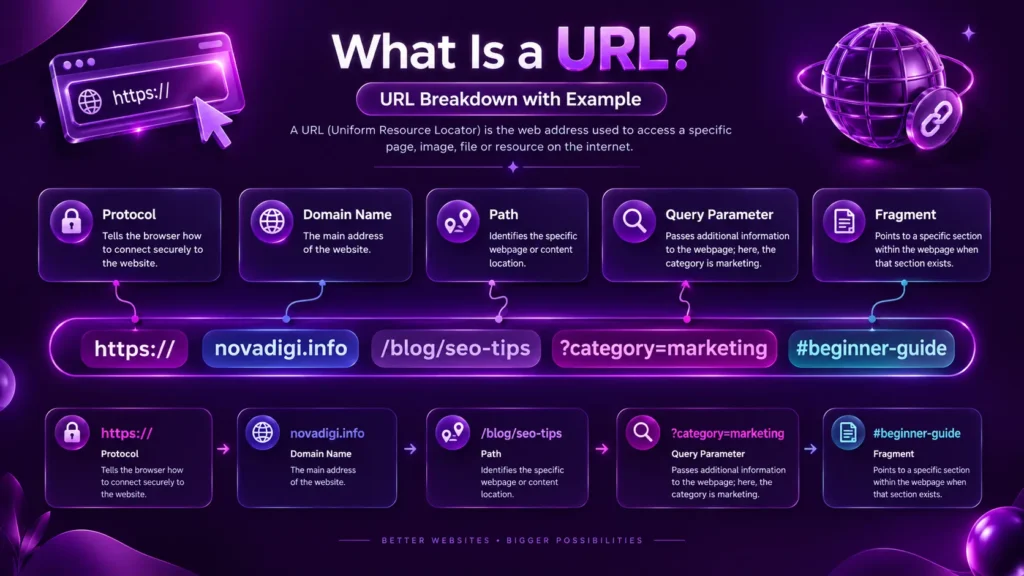
A URL, which stands for Uniform Resource Locator is the web address that lets you reach a page, image, file or other resource, on the internet. Just as a street address shows you where to go a URL shows your browser where to go and how to open the page you want.

Example: https://novadigi.info/blog/

In this example https:// is the protocol novadigi.info is the domain name and /blog/ is the path that leads to the blog area.

  • https:// — Protocol: Browser ko batata hai ki website se secure connection use karna hai.

  • novadigi.info — Domain Name: Website ka main address hai.

  • /blog/seo-tips — Path: Website ke specific page ko identify karta hai. 

In simple words: URL internet par kisi website ya uske specific webpage ka address hota hai.
Your Vision, Our Digital Expertise

We take your ideas. Turn them into strong digital experiences. We use strategies, smart solutions and marketing that gets results. This helps your brand stand out and grow online.

Get Start

Frequently Asked Question

What is a CMS?
A Content Management System (CMS) is software that helps users create, edit, manage, and publish website content without needing extensive coding knowledge.
 

A CMS makes website management easier, saves time, supports content updates, and helps maintain a consistent website structure.

Popular CMS platforms include WordPress, Shopify, Wix, Joomla, and Drupal, each offering different features for website creation and management.


No, many CMS platforms provide user-friendly dashboards and visual editors that allow users to manage website content without coding.

Yes, a CMS can help businesses manage service pages, publish blogs, update information, and maintain their online presence efficiently.

Yes, many CMS platforms support SEO-friendly URLs, metadata, headings, and optimization plugins or tools that can help improve search visibility.

“Where Your Brand Meets Its Digital Spark.”

Contant

Our Pages

SEO

SMM

GOOGLE ADS

CONTANT MARKETING

EMAIL MARKETING

CMS

Scroll to Top